

How to signup for Popify?
You sign up for Popify by installing the app on your store. On Shopify, open the Popify page on the Shopify App Store, add the app, install it and select a plan to start the 3-day free trial. Wix and WooCommerce stores sign up the same way, through their own install guides.
How do I sign up on Shopify?
Visit the Popify app page on the Shopify App Store.
Click the Add app button.
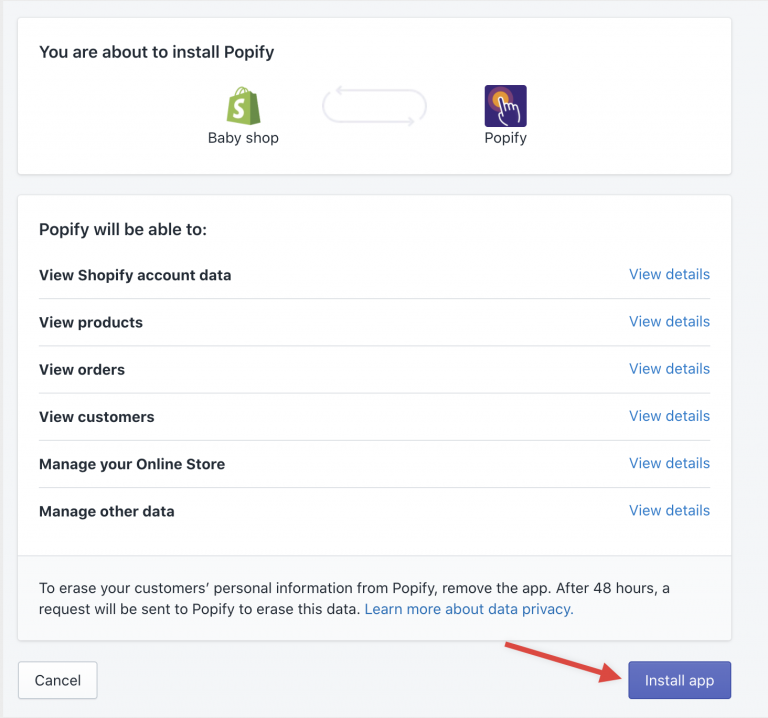
Click the Install app button at the bottom of the screen.
Select a plan by clicking its Select button. Compare plans on the pricing page.
For the full walkthrough with screenshots, see How to install Popify on my Shopify store?
How do I sign up on Wix or WooCommerce?
If you run into any issue during installation, please contact us.